Movies2iPhone
Convert any movie to your iPhone, iPod and iPad the easy way!


How to add subtitles to any iPhone, iPod or iPad:
Movies2iPhone can add .srt subtitles to your movies and supports the following iDevices:
- All iPhone flavors: original iPhone (2g), iPhone 3g/3gs, iPhone 4/4s and the latest iPhone 5
- All iPad flavors: original iPad, iPad Retina (HD) and the iPad Mini
- All iPod touch flavors: original iPod touch, iPod touch 4 and iPod 5th generation
Simply make sure that the subtitles file has the same name and is located in the same folder as the video file you are converting.
Example:
If you are converting a video C:\myVideos\video.avi
your subtitles file needs to be C:\myVideos\video.srt
The subtitles will be automaticaly inserted in your movie during conversion.
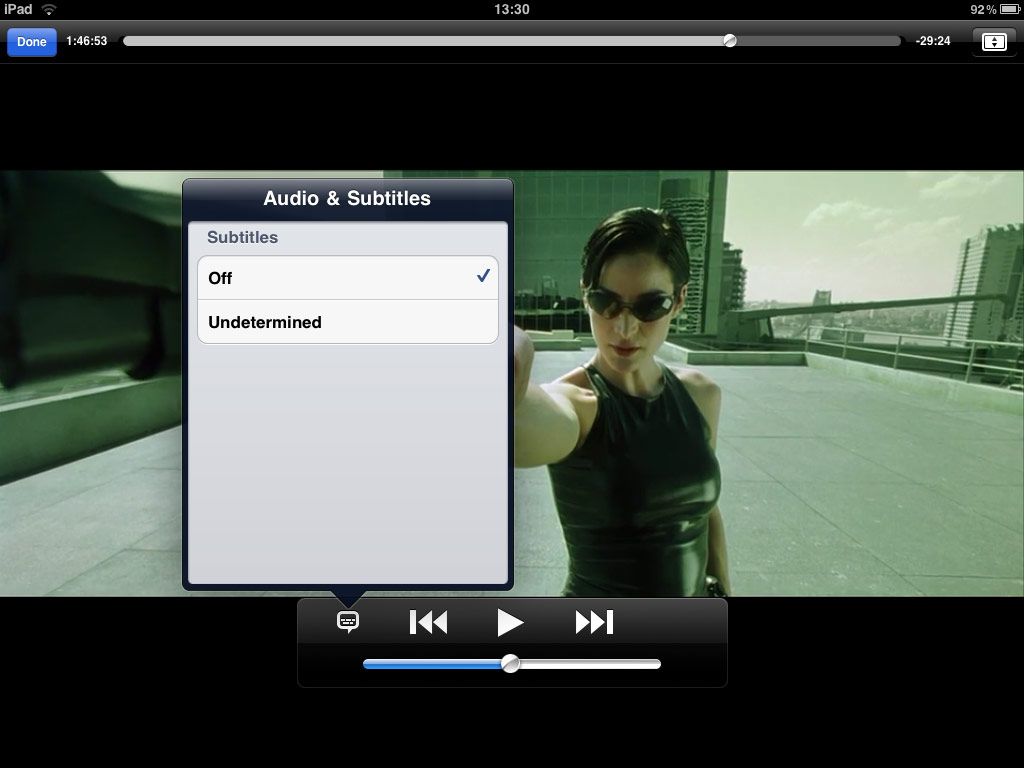
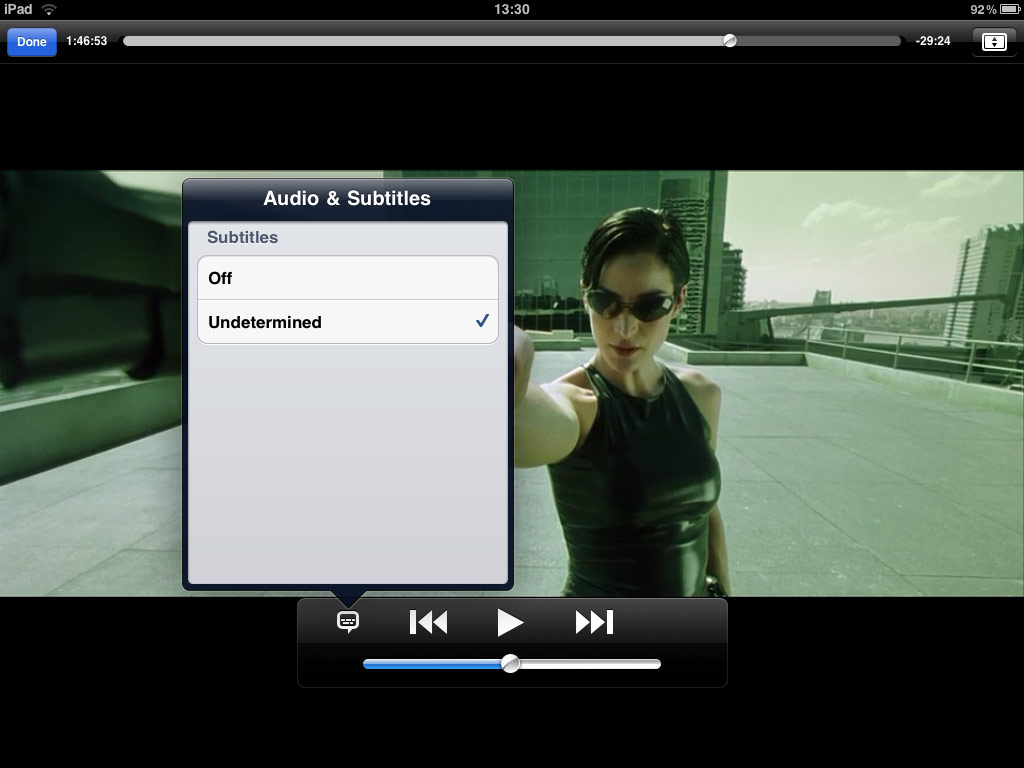
Once you'll have transfered the converted movie to your iPhone, iPod or iPad, you can toggle on or off subtitles during playback by simply tapping the subtitle icon of your iPod app playback menu.



©2008-2026 Movies2iPhone.com